Speech source
MP3, WAV, M4A or AAC, under 5 MB

Estimated 20 credits

View history
MP4
English
English · Podcast

Podcast recap short

A podcast host turns a spoken recap into a face-led English short without setting up a camera.

Production workflows

From voice track to talking video, without a reshoot.

Use the clips, voice notes, and scripts you already have. The tool turns a still portrait into a publishable talking photo video for every channel.

English
English · Product
Product creator short
A creator-style product update generated from one casual portrait and a short English script.
English
English · Podcast
Podcast recap short
A podcast host turns a spoken recap into a face-led English short without setting up a camera.
Korean
Korean · Health
Doctor health education short
A clinic doctor explains a simple health habit in Korean with a calm short-form delivery.
French
French · Product
Founder product update
A founder-style portrait delivers a concise French product update for launch posts and demos.
Spanish
Spanish · Education
Classroom lesson short
A teacher in a classroom explains an idea in Spanish with a friendly lesson tone.
English
English · Product
Product creator short
A creator-style product update generated from one casual portrait and a short English script.
English
English · Podcast
Podcast recap short
A podcast host turns a spoken recap into a face-led English short without setting up a camera.
Korean
Korean · Health
Doctor health education short
A clinic doctor explains a simple health habit in Korean with a calm short-form delivery.
French
French · Product
Founder product update
A founder-style portrait delivers a concise French product update for launch posts and demos.
Spanish
Spanish · Education
Classroom lesson short
A teacher in a classroom explains an idea in Spanish with a friendly lesson tone.
What it creates

A talking photo generator for creators who already have the voice.

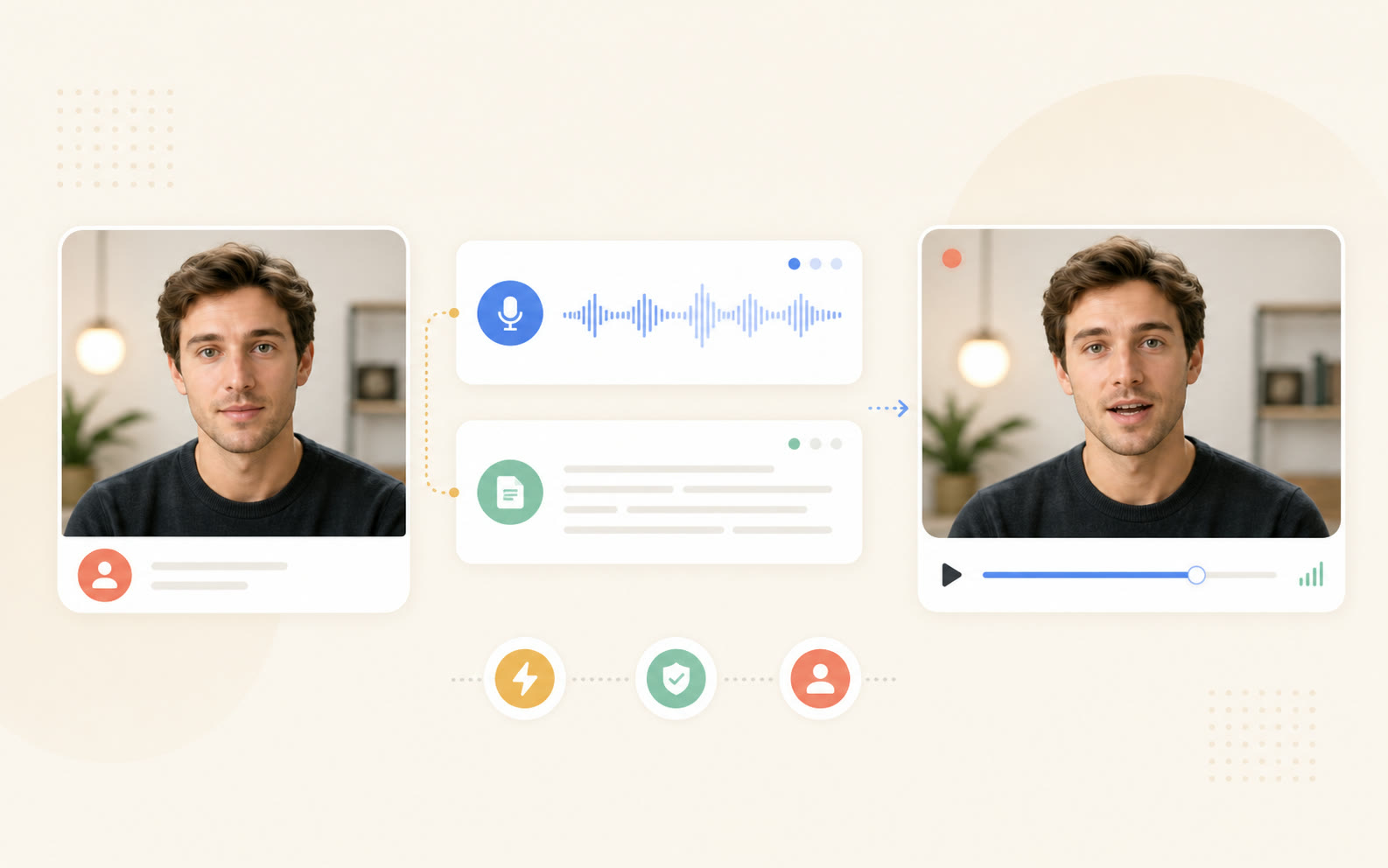
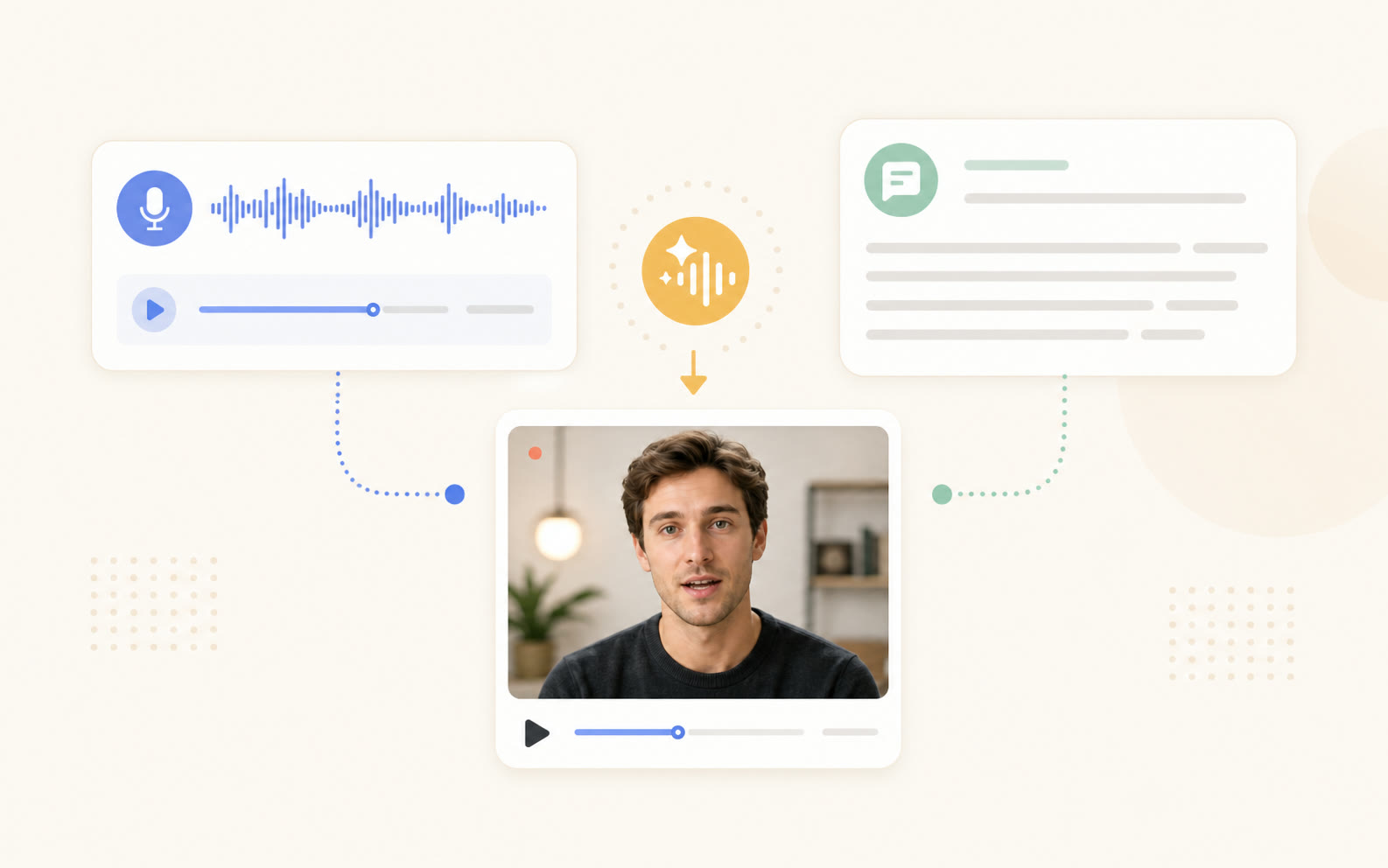
Start with a clear face and a voice source. The renderer aligns mouth shapes, jaw motion, and expression timing so the portrait speaks like a finished video.

Use it when recording another camera take would slow the idea down: product demos, founder updates, podcast clips, course lessons, internal explainers, and localized announcements.

1
portrait image
2
voice inputs
MP4
final export
Portrait, voice waveform, script card, and output preview showing one voice source becoming a talking photo video
Use cases

Turn spare audio into publishable video.

Choose it when the message is ready but filming another clean take would cost time.

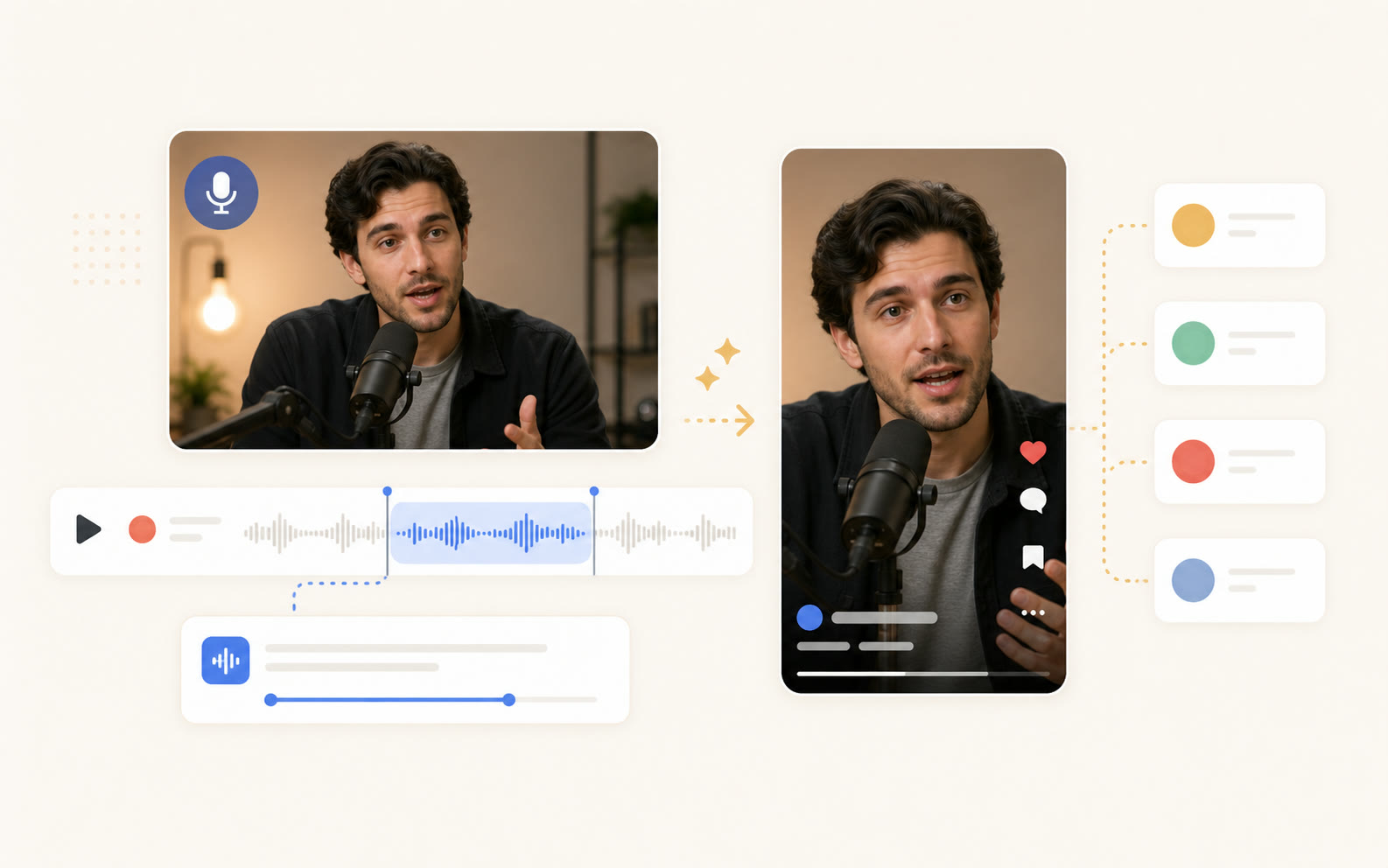
Podcast host portrait, selected audio clip, and generic short video reel preview
Podcast repurposing
Turn the best answer from a long episode into a face-led reel. The host's portrait speaks the original audio, ready for Shorts, Reels, and TikTok.
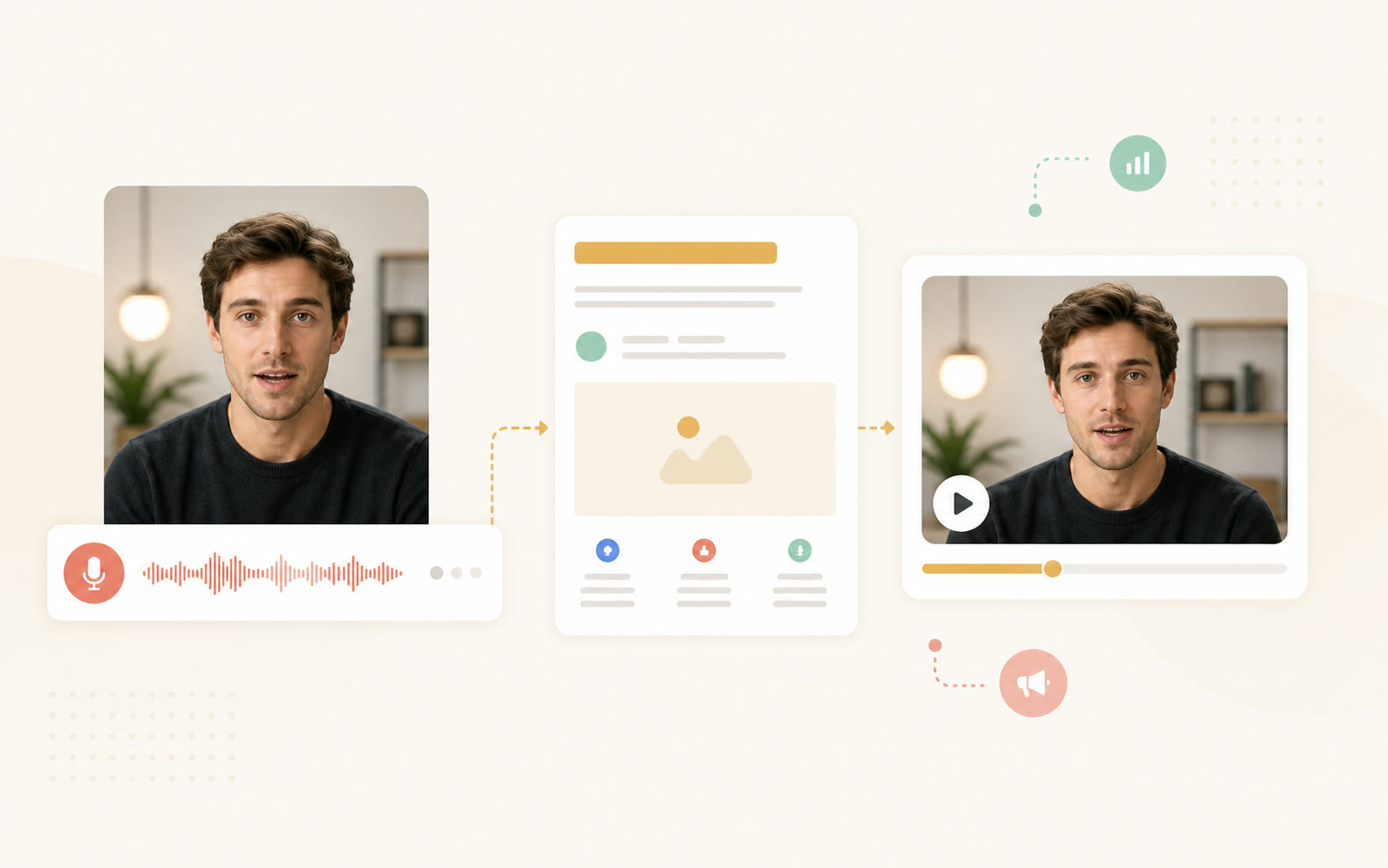
Founder portrait connected to voice memo waveform, product page card, and spokesperson video preview
Founder-led marketing
Pair a founder voice memo with a clean portrait to ship product updates, launch demos, and sales follow-ups without waiting for a studio slot.
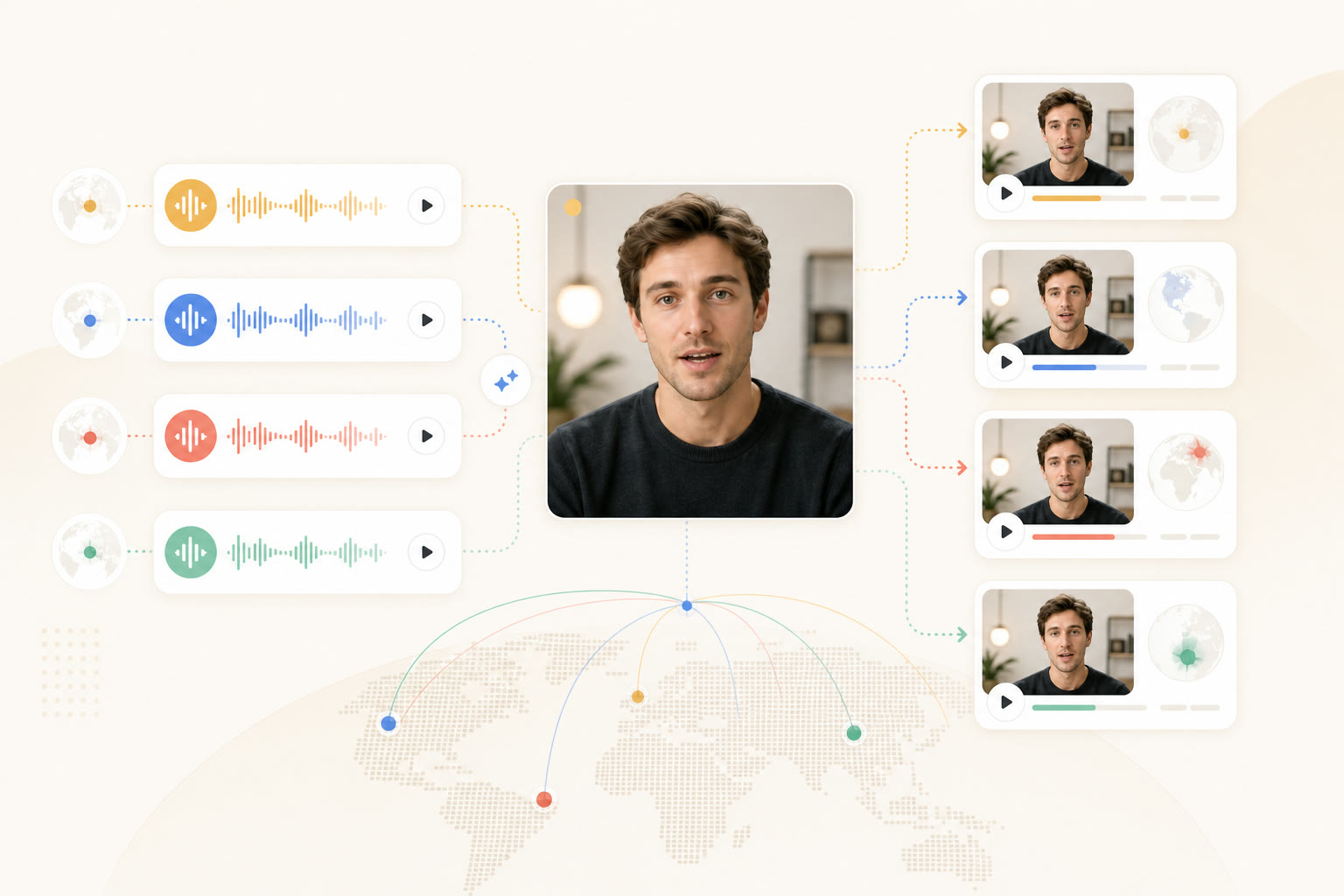
One portrait connected to multiple colored voice tracks and localized talking video previews
Multilingual localization
Keep one approved brand face and generate regional clips from translated voice tracks. Useful for short announcements, help videos, and campaign variants.
How to use

Make a talking photo in three focused steps.

Bring the face, choose the voice source, then export the finished MP4.

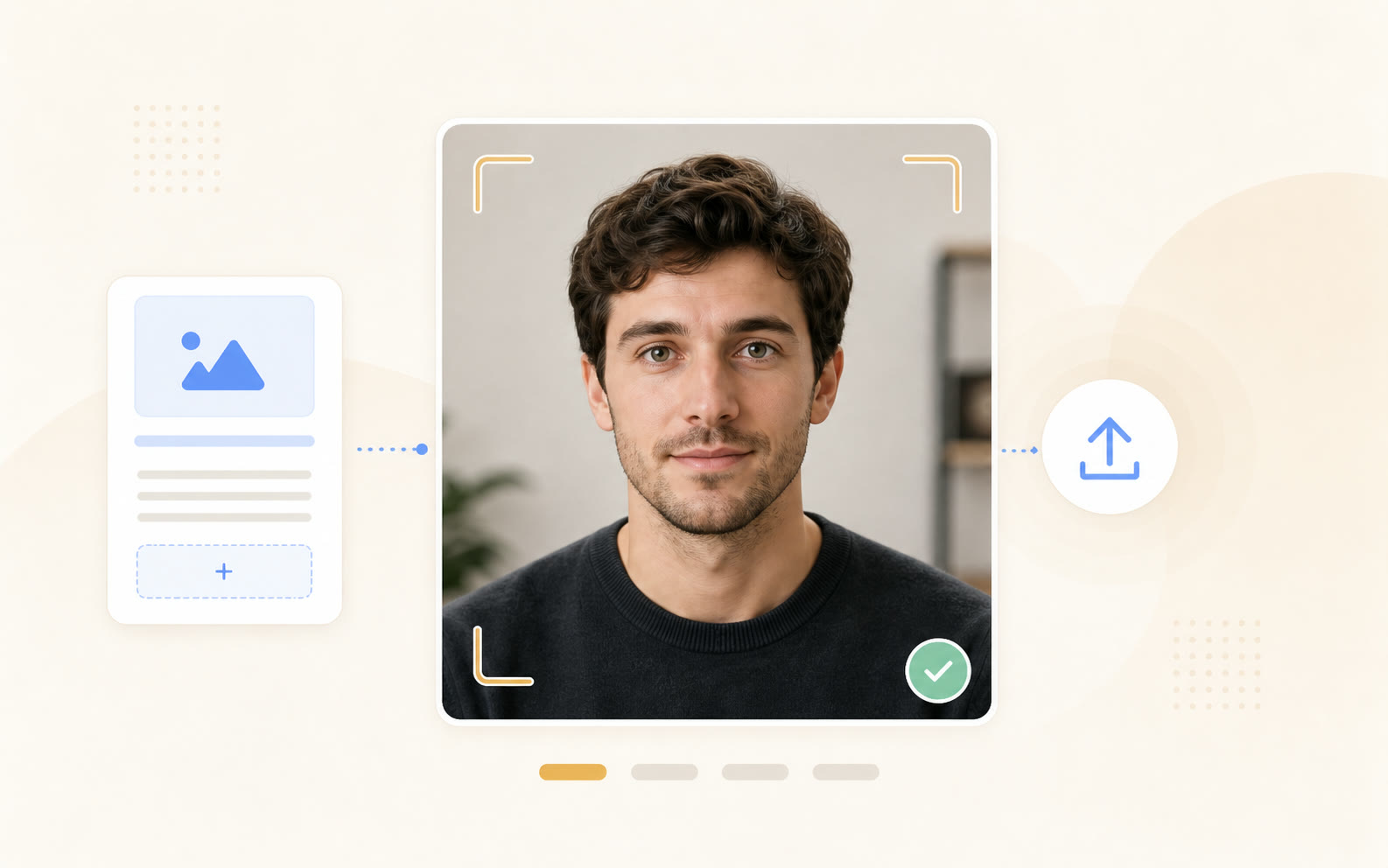
Front-facing portrait upload frame with alignment guides and upload confirmation
01
Upload the portrait
Use a clear front-facing photo with good lighting. One frame is enough for the avatar workflow.
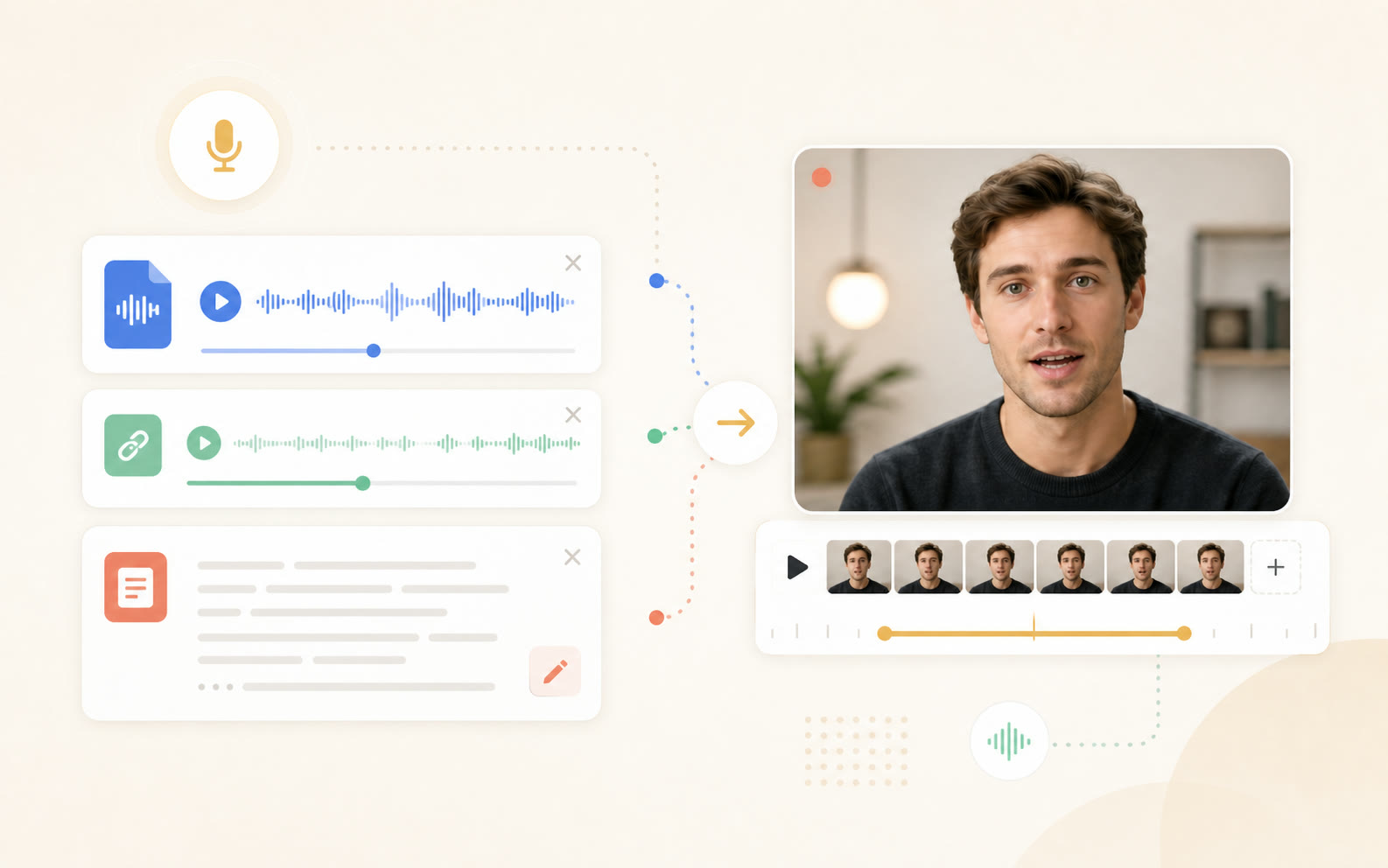
Audio waveform card and abstract script card feeding a portrait preview
02
Add audio or a script
Upload a voiceover file, paste a hosted audio URL, or write a short script and generate speech inside the form.
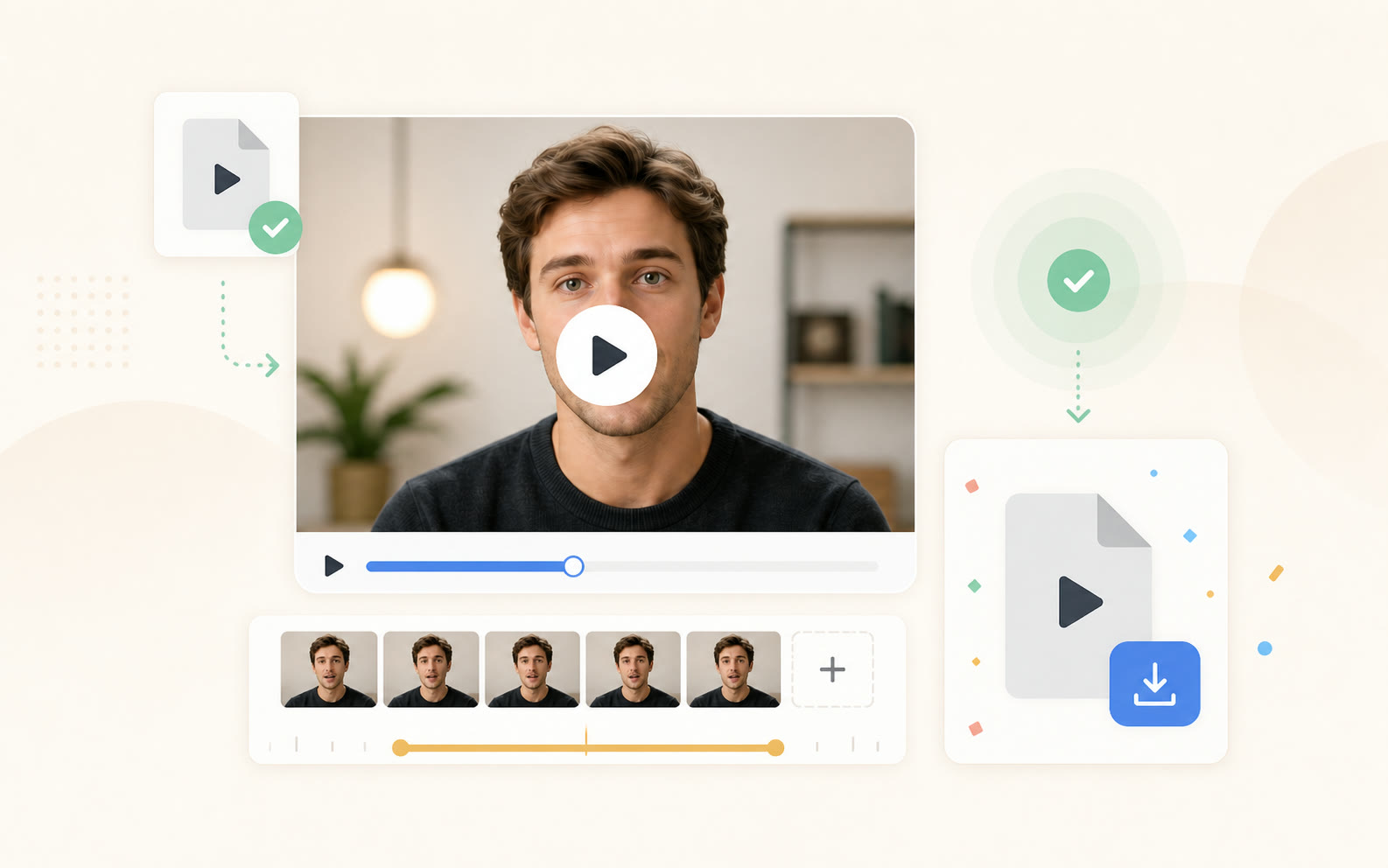
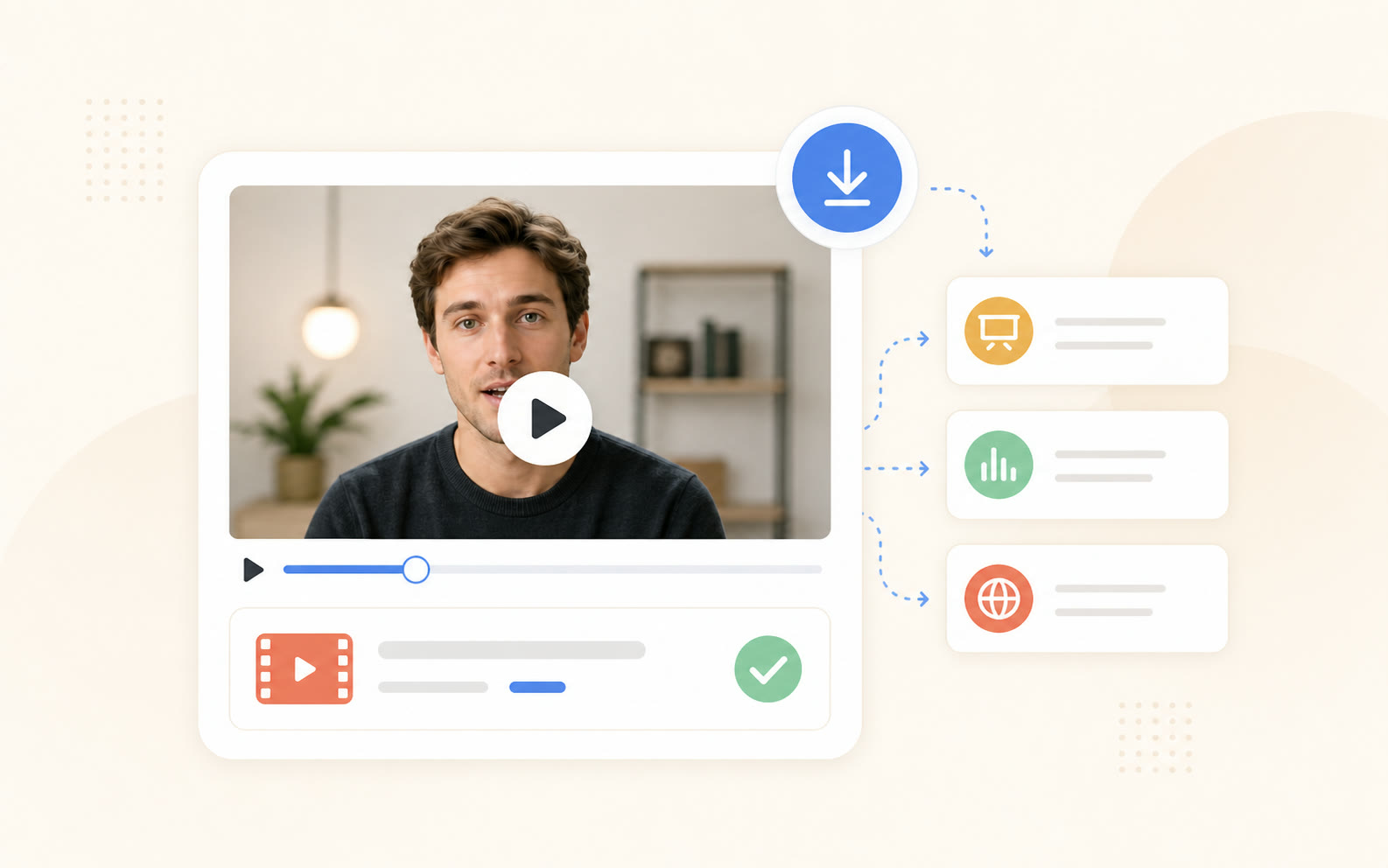
Rendered talking photo preview with timeline, export file card, and success indicator
03
Render the MP4
Generate the talking photo, preview the result, and download a share-ready MP4 for your next post, lesson, or product update.
Photo avatar controls

Control the details that make a still face feel spoken.

The page stays simple, but the render still respects voice timing, identity, input choice, and export needs.

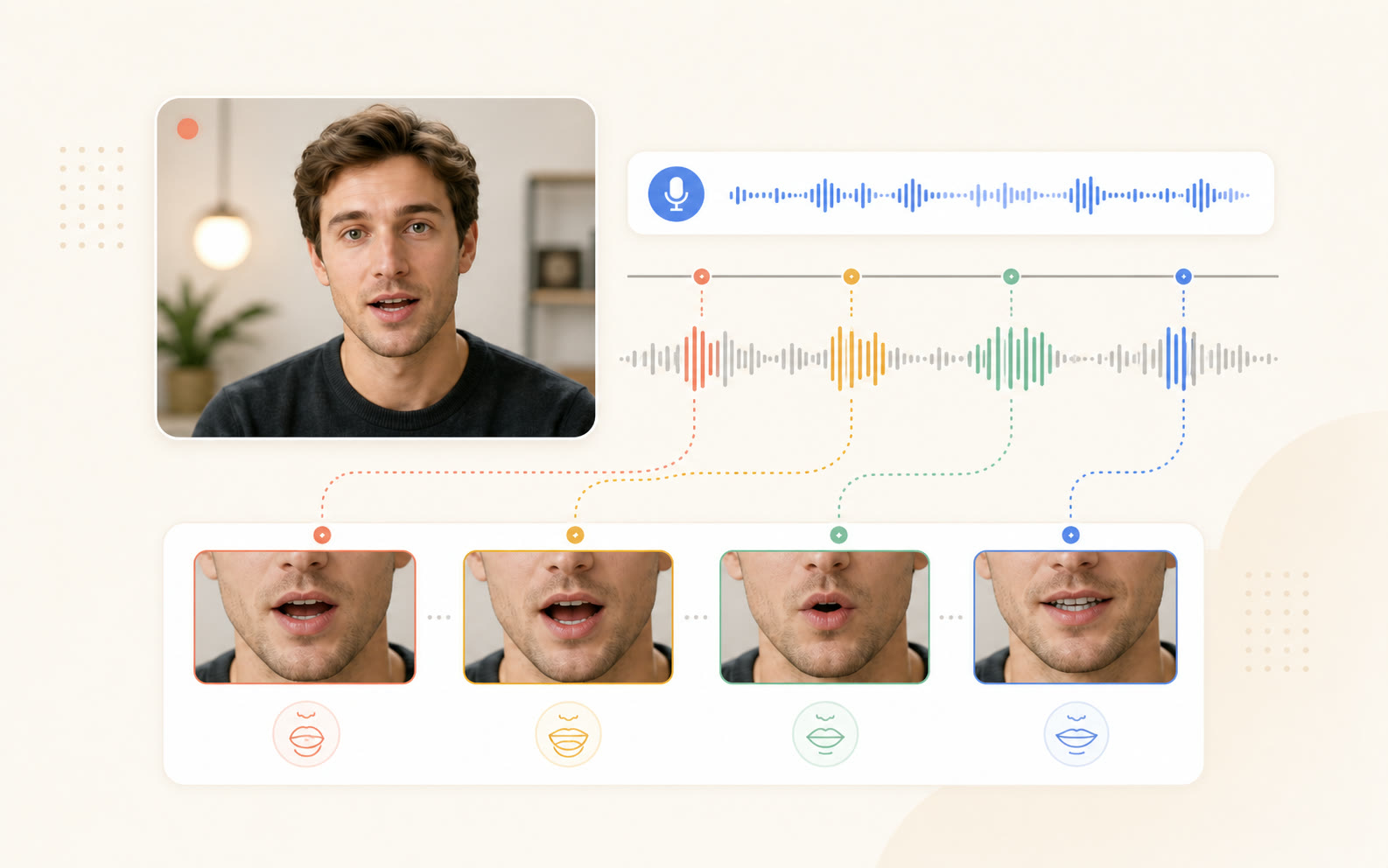
Voice-led mouth movement
Mouth shapes, jaw motion, and small expression changes follow the rhythm of the audio instead of looping a generic talking animation. Plosives, pauses, and stressed syllables each land on their own frame, so the timing reads as real speech. Quiet stretches let the face settle instead of forcing constant motion.
Audio waveform timing connected to mouth shape frames for voice-led facial motion
One portrait, steady identity
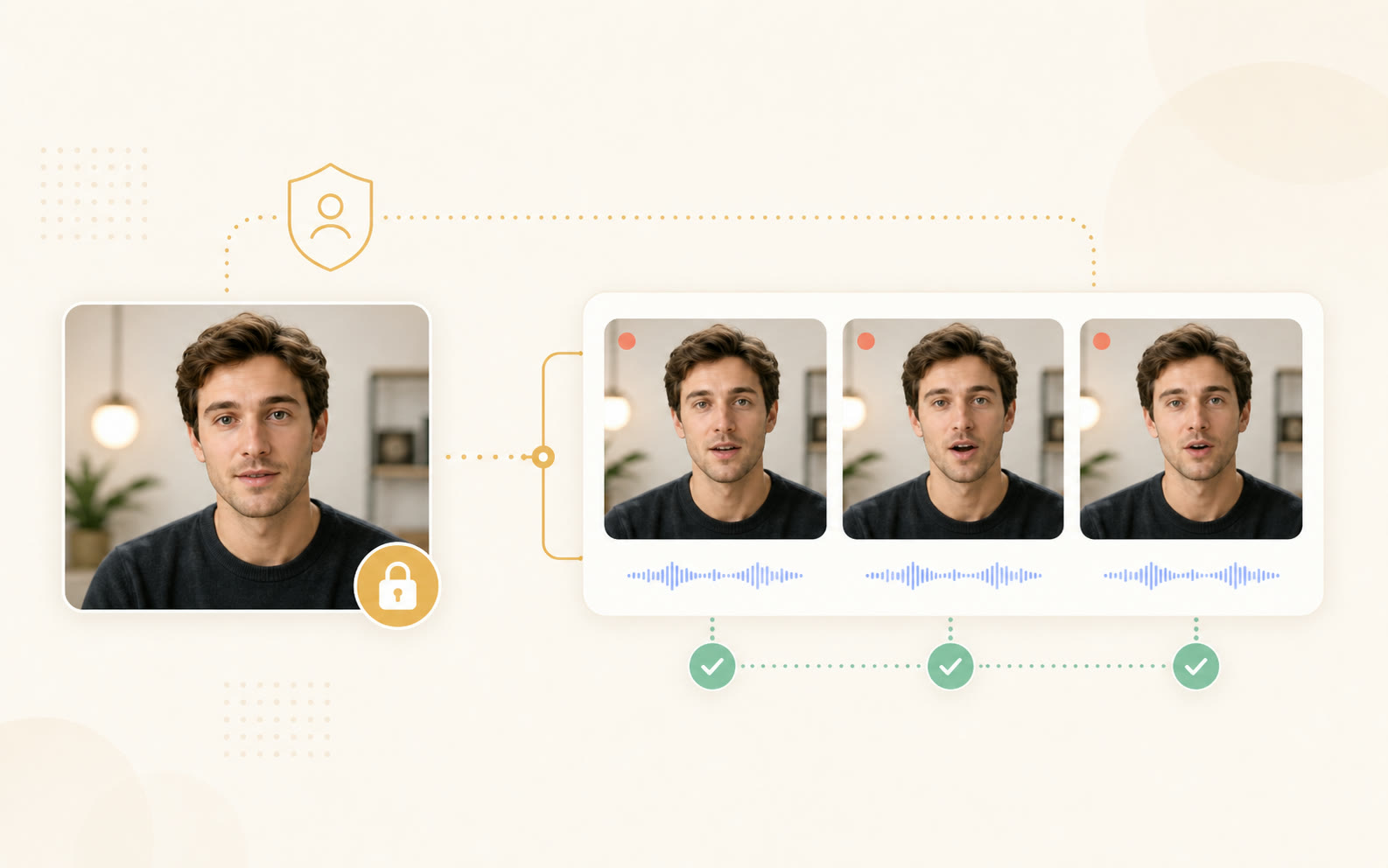
A single clear reference photo anchors the render, so the same face stays consistent while the speaking motion changes. Skin tone, facial structure, and features hold from the first frame to the last, so the portrait never drifts or morphs as the expression moves.
Reference portrait connected to consistent generated frames with identity lock and check indicators
Audio file or text script
Start from a recorded voiceover when you have one, or draft a short script and generate speech before rendering the avatar video. Upload an audio file, paste a hosted audio URL, or type the lines directly — whichever way the message already exists.
Audio file and abstract script input cards flowing into a portrait video preview
Share-ready MP4 output
Download a clean MP4 for demos, social clips, lessons, and localized announcements without rebuilding the sequence in a timeline editor. Export at 720p or 1080p in 16:9, 9:16, or 1:1, so one render drops straight into landscape, vertical, and square feeds.
Finished talking portrait video exported to generic destination cards with download and success indicators
How it works

Audio analysis to MP4 in three stages.

What happens between your upload and the final lip-synced video.

Creator desk scene with audio waveform, timing markers, and mouth shape tiles
01
Audio analysis
The model extracts phonemes, prosody, and pacing from your audio at 50 frames per second, so every plosive and pause lines up with a target mouth shape.
Portrait monitor with face mesh, animation frames, and identity lock overlay
02
Identity-locked animation
Your reference image is converted to an articulated face mesh. Mouth, jaw, and micro-expressions move while the rest of the identity stays held in place.
Finished talking photo preview with render timeline, waveform, file icon, and download control
03
Rendering and export
Frames render in real time and assemble into a clean MP4. Your audio is muxed in at the original bitrate — no synthesized voice swap.
Customer voices

Teams ship video without booking a studio anymore.

Specific results from podcast hosts, marketers, and indie creators.

We cut a four-hour video repurposing pass down to twelve minutes per episode. Six short-form clips per show, all lip-synced to the host, no extra recording day.

Maya Collins
Maya Collins
Podcast Producer · Northstar Audio

Founder voice memo at 9am, polished spokesperson video on the landing page by 11am. The shoot we planned for next month never had to happen.

Jordan Patel
Jordan Patel
Growth Marketer · Layerbase

I keep one reference photo and feed in scripts as voice notes. Posting cadence went from twice a week to daily without burning out on camera.

Elena Ruiz
Elena Ruiz
YouTube Creator · 240K subscribers
Pricing

Start with 20 free credits, then scale as your video volume grows.

Choose a plan for occasional talking photos, weekly creator localization, or studio-scale dubbing.

Monthly / Yearly
Save 33%
$49.9per month
6K8,40012K
Cancel anytimeSecured byStripe
  • Choose 6K / 8.4K / 12K credits per month
  • Up to 120 videos / month
  • Everything in Free
  • Video translation in 30+ languages
  • Talking avatars (reusable)
  • 4K MP4 export
  • Priority generation queue
  • API access
  • Commercial usage license

Secure payments powered by

Stripe
Visa
Mastercard
American Express
Apple Pay
Google Pay
Link
FAQ

Frequently asked questions

It turns one still portrait into a video where the face speaks. Upload a single front-facing photo, add an audio file or a short script, and the generator animates mouth shapes, jaw motion, and subtle expression to match the voice. The face stays the same person — only the speaking motion is generated — and you download the result as an MP4.

Ready to make your portrait speak?

Upload the face, add the voice, and render a talking photo video while the idea is still fresh.